How to Make Money With Canva: 8 Practical Ways to Start
Published: 15 Oct 2026
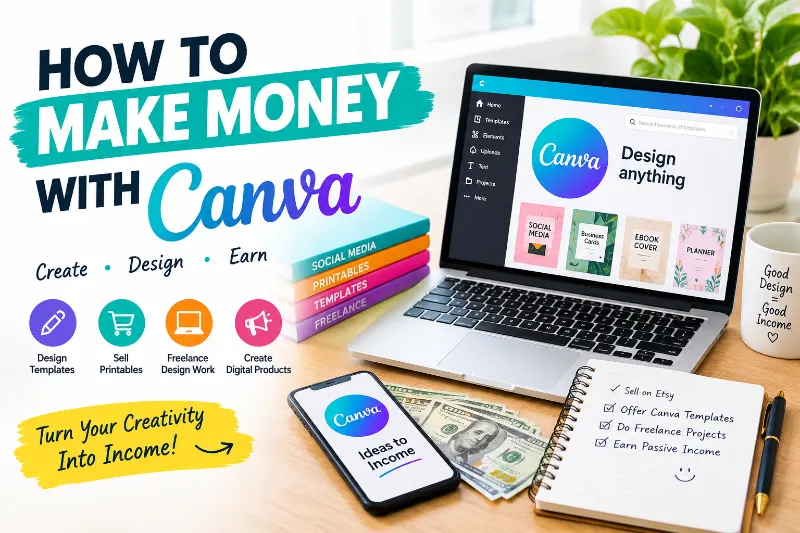
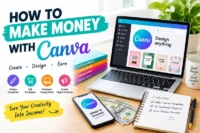
Canva makes it easy to create designs without advanced graphic design skills. You can use it to create digital products, design social media posts, offer freelance services, and build a small online business.
But how can you turn your Canva skills into income? This guide explains eight practical methods, how to get started, and how to find your first customers without making unrealistic income promises.
How Can You Make Money With Canva?
You can make money with Canva by selling digital downloads, creating graphics for businesses, designing presentations, offering freelance services, and selling print-on-demand products. Start with one service or product, build a small portfolio, and promote your work on Pinterest or freelance platforms.
1. Sell Digital Products People Can Download
Digital products are files that customers buy and download online. Canva lets you create planners, checklists, workbooks, and other useful resources. You can sell these products through online marketplaces or your own website without shipping physical items.
- Create a product that solves one clear problem.
- Sell downloadable files through a suitable platform.
- Promote your products with Pinterest pins and helpful blog posts.
Which digital products can you create with Canva?
Start with products that help people save time or organize their daily tasks. Choose one audience, such as students, bloggers, teachers, or small business owners, and design something that meets their needs.
- Budget planners and savings trackers
- Content calendars and business worksheets
- Printable checklists and daily planners
Example: You could create a weekly content planner for bloggers who struggle to plan their posts. Include spaces for keywords, publishing dates, Pinterest pins, and article ideas.
2. Design Social Media Content for Small Businesses
Many small businesses need fresh social media content but lack time to create it. You can use Canva to design posts, stories, promotional graphics, and branded templates. This is a practical way to earn through Canva design services.
- Create sample posts for one business niche.
- Offer monthly content packages to clients.
- Build a portfolio with different design styles.
How can you find social media design clients?
Choose a niche such as restaurants, coaches, online shops, or real estate agents. Create three to five sample designs for your portfolio, then contact businesses with a clear offer and examples of your work.
Example: You could offer a local bakery a set of promotional posts for new products, seasonal offers, and customer reviews. Agree on the number of designs, delivery dates, and payment before starting the work.
For more ideas about tracking online income, read our guide to blog income reports.
3. Create Simple Websites and Landing Pages
Canva offers website-building features that let you create simple websites and landing pages. These work well for portfolios, event pages, and basic business information. However, Canva websites may not suit every project that needs advanced features.
- Design a portfolio for a freelancer or creator.
- Create a landing page for an event or service.
- Check mobile layouts and links before publishing.
What types of websites can you design with Canva?
Focus on small projects that match Canva’s features. You can help a client present their services, share event details, or display a simple portfolio. Explain the limits of Canva before accepting a complex website project.
Example: A photographer might need a one-page website with sample images, service details, and a contact link. You could design the page in Canva and show the client how to update basic content.
4. Offer Freelance Graphic Design Services
Freelance design lets you earn by creating graphics for clients instead of waiting for product sales. Canva can help you make presentations, flyers, brochures, and branded documents. Your income depends on your skills, pricing, client demand, and workload.
- Build a portfolio with five to eight strong samples.
- Offer one clear service to a specific audience.
- Look for clients through freelance platforms and direct outreach.
Where can you offer Canva design services?
You can look for projects on freelance marketplaces, professional networks, and business communities. Read each platform’s rules, create an honest profile, and send custom proposals that explain how your work meets the client’s needs.
Example: You might offer presentation design to coaches who need clear slides for online workshops. Show a sample presentation and explain the number of slides, revisions, and delivery time included in your service.
If you are a student who wants to manage earnings carefully, our guide on how to save money for students offers useful budgeting ideas.
5. Sell Printable Products on Online Marketplaces
Printables are digital files that customers can print at home or use on a tablet. Canva makes it simple to design calendars, worksheets, trackers, and wall art. A focused product range can help you serve one clear customer need.
- Create print-ready PDFs with clear text and spacing.
- Research customer needs before choosing a product.
- Write accurate descriptions and include clear previews.
Which printables are worth creating?
Choose a specific audience instead of making random designs. Parents may want chore charts, while teachers may need classroom worksheets. Check marketplace rules and Canva’s current content licensing terms before selling your files.
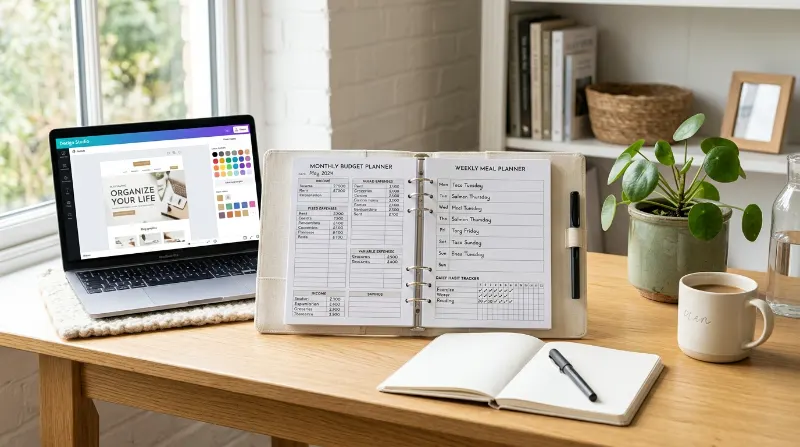
Example: You could create a meal-planning printable with a weekly menu, grocery list, and space for notes. Your listing should explain the file format, page size, and whether the buyer receives a physical product or a digital download.
How can Pinterest help you promote printables?
Pinterest can help people discover products through visual search. Create clear pins that show the printable’s purpose, use relevant search terms, and link each pin to the correct product page.
6. Start a Print-on-Demand Business
Print-on-demand lets you sell products such as mugs, tote bags, and T-shirts without keeping stock at home. A third-party provider prints and ships each order. You earn the amount left after product costs, platform fees, and other expenses.
- Design original artwork for a clear audience.
- Check print quality and product costs before listing.
- Read the provider’s rules for artwork and commercial use.
How do you start selling printed products?
Choose a print-on-demand provider and a sales platform that suit your budget. Create a few original designs, check how they look on each product, and calculate your likely profit before publishing a listing.
Example: You could design a set of book-themed tote bags for readers. Before selling, check the printing cost, delivery charges, platform fees, and selling price to see whether the product leaves a reasonable margin.
You can also learn practical budgeting habits from our money-saving tricks and $1,000 monthly challenge.
7. Design Logos and Brand Kits for Small Businesses
Small businesses often need a consistent look across their website, social pages, and marketing materials. You can offer simple brand design packages using Canva. Be clear about what the package includes and avoid promising exclusive rights without checking the relevant licensing terms.
- Create brand color palettes and font combinations.
- Design social media profile graphics and business cards.
- Explain file formats, revisions, and usage rights.
What should a basic brand kit include?
A brand kit can include a color palette, font choices, profile graphics, and simple templates. Some clients may need a more advanced logo with trademark or vector-file requirements, so confirm their needs before accepting the project.
Example: A new home bakery may need a logo-style graphic, matching colors, an Instagram profile image, and three promotional templates. You could offer these items as one clearly priced package.
8. Apply to Canva’s Creator Program
Canva has offered creator programs that let approved contributors share eligible content with users. Program access, contributor categories, payment rules, and application status can change. Check Canva’s official contributor information before investing time in an application.
- Review current eligibility and application requirements.
- Prepare original designs that show your skills.
- Read the latest payment and licensing terms.
9. Create Pinterest Pins for Bloggers and Website Owners
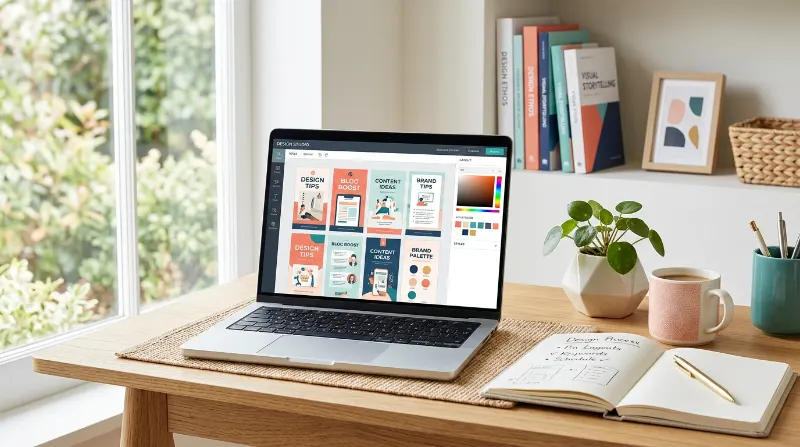
Bloggers need eye-catching pins to promote articles and attract readers from Pinterest. You can offer pin design as a focused service using Canva. This option is especially useful if you enjoy visual content and understand how titles affect clicks.
- Design vertical pins with clear, readable headlines.
- Create several layouts for different blog topics.
- Offer pin bundles to bloggers and content creators.
How can you turn Pinterest design into a service?
Learn basic Pinterest image sizes, text placement, and visual hierarchy. Create sample pins for topics such as recipes, home decor, or personal finance. Show clients how your designs match their article topics and target audience.
Example: A personal finance blogger might need pins for articles about budgeting, saving money, and managing rent. You could offer five different pin designs for one article and provide the final files in agreed formats.
How Much Can You Earn With Canva?
Your earnings depend on the service you offer, your design quality, customer demand, and how you find buyers. Some people earn through client work, while others build product shops over time. There is no guaranteed income.
How should you price your Canva work?
Start by estimating the time, effort, revisions, and platform fees involved. Research similar offers, then choose a fair starting price. Review your rates as your skills and workload grow.
Example: If a client requests ten social media graphics, estimate the time needed for design, revisions, and file delivery before setting a project fee. Do not promise a profit or income level you cannot support.
What Do You Need to Start Making Money With Canva?
You do not need to try every earning method at once. Pick one service or product, learn the tools you need, and test your idea with a small portfolio. This keeps your first steps simple and affordable.
- Choose one audience: such as bloggers, teachers, or local shops.
- Create three to five samples: show the kind of work you want to sell.
- Set up a sales channel: use a suitable marketplace, freelance platform, or your own website.
What mistakes should beginners avoid?
Many beginners spend too much time making products before checking whether buyers need them. Focus on solving a clear problem, using original designs, and understanding the platform’s rules before spending money on tools or promotion.
- Do not copy another designer’s work.
- Check Canva’s licensing terms for your intended use.
- Avoid paying for expensive tools before you need them.
For another practical way to explore online income, see our guide to the best paid survey sites in Canada. Survey work is different from design work, but it may help readers compare online earning options.
Frequently Asked Questions
1. Can you make money with Canva as a beginner?
Yes. Beginners can start with simple products or design services, such as checklists, social media graphics, and presentation layouts. Learn the basics, create original samples, and improve your work through practice and customer feedback.
2. Is Canva free to use for earning money?
Canva offers a free plan, but some features and assets require a paid plan. Review the current plan details and licensing terms before using an asset in a product or service you sell.
3. Can I sell Canva templates on Etsy?
You may be able to sell eligible templates, but you must follow Canva’s current content licensing rules and Etsy’s seller policies. Make sure your product complies with the rules for editable templates and included assets.
4. How can I find my first Canva client?
Start with a small portfolio that shows the service you want to offer. Contact relevant businesses, apply for suitable freelance projects, or share helpful examples on social media. Explain the value of your service clearly.
5. Can Pinterest help me earn money with Canva?
Yes. Pinterest can help you promote digital products, show your design portfolio, and attract potential customers. Use clear images, relevant keywords, and links that lead to the right product or service page.
Conclusion
You can make money with Canva by selling products, designing for clients, or promoting your work online. Start with one method, create a small portfolio, and focus on helping a clear audience solve a real problem.
You can also promote your services through Pinterest and your website. If you are trying to reduce your own living costs while building an online business, explore these tips on how to save money on rent.
Your next step: Choose one Canva earning method and create your first three sample designs. Which method will you try first?


- Be Respectful
- Stay Relevant
- Stay Positive
- True Feedback
- Encourage Discussion
- Avoid Spamming
- No Fake News
- Don't Copy-Paste
- No Personal Attacks
- Be Respectful
- Stay Relevant
- Stay Positive
- True Feedback
- Encourage Discussion
- Avoid Spamming
- No Fake News
- Don't Copy-Paste
- No Personal Attacks
