10 Best Free Stock Photo Sites for Bloggers in 2026
Published: 9 Nov 2026
A blog post with no photos feels flat. Readers scroll past plain walls of text. But hiring a photographer for every post costs money, and most new bloggers do not have that budget. Free stock photo sites solve this problem. They give you high-quality photos for your blog at no cost.
This guide is about using photos, not about how to sell stock photos online. That is a different job. Here are 10 free sites that are safe for blog use, the license rules in simple words, and how to pick, size, and describe photos. Licenses change, so always check the official page first.
Why Good Photos Matter for a Blog
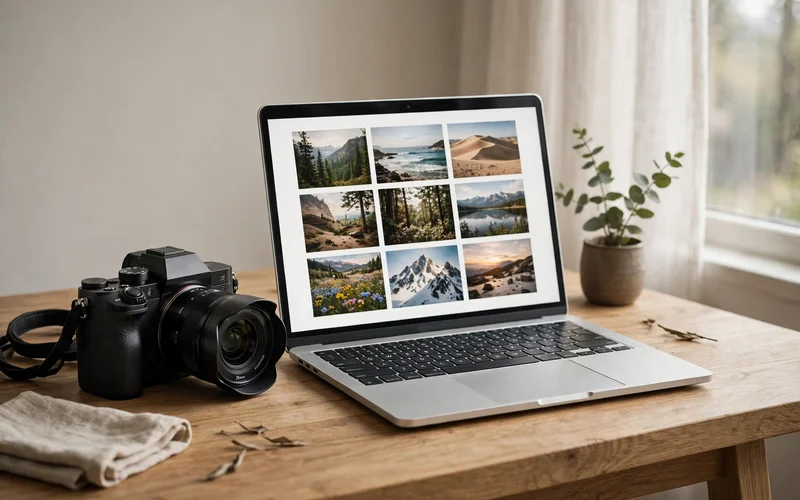
Photos do more than decorate a page. A clear featured image tells a reader what the post is about before they read a word. Photos break long text into small, friendly chunks, so a long guide feels easy instead of heavy. A good photo matches the topic, looks natural, and loads fast.
What Free Really Means: Licenses in Simple Words
A license is the set of rules that comes with a photo. It tells you what you can and cannot do. Free sites use two main kinds of rules. The first kind is CC0, which means the creator has given up nearly all rights, so you can use the photo, change it, and skip the credit line. The second kind is a custom free license. The big sites, Unsplash, Pexels, and Pixabay, each use their own license now. You can use the photos for free in blog posts, including posts that earn money, and you do not have to credit the photographer. You cannot sell the photo as it is, for example as a print, a poster, or a download pack. You cannot use a photo to build a rival stock photo site. Royalty-free does not mean free. It only means you do not pay a fee each time the photo is shown. Commercial use means the photo supports a business goal, like a blog that earns money. When you start a blog, photos are one of the first things you need every week.
The 10 Sites at a Glance
| Site | Best For | Attribution Needed | Also Has |
|---|---|---|---|
| Unsplash | Natural photos | No | Huge library |
| Pexels | Photos and video | No | Videos |
| Pixabay | Photos and art | No | Art and music |
| StockSnap | Clean, curated photos | No | Weekly photos |
| Burst | Business photos | No | Shop collections |
| Kaboompics | Lifestyle photos | No | Color search |
| Reshot | Natural photos | No | Hand-picked |
| Gratisography | Quirky photos | No | Whimsical scenes |
| Picjumbo | Everyday photos | No | Free tier |
| Foodiesfeed | Food photos | Check the site | Food shots |
1. Unsplash
Unsplash is the first stop for most bloggers. It has over 3 million free photos, and the quality is very high. Every photo is free under the Unsplash License. You can use it for personal and business use, change it, and skip the credit line. Two rules matter. You cannot sell the photos without real changes, and you cannot collect them to build a competing stock service. A paid tier called Unsplash+ sits next to the free library, so check that your photo is free.
2. Pexels
Pexels is the best all-rounder on this list. It offers millions of free photos and videos under one license, so you can find a featured image and a short clip for the same post in one visit. The Pexels License allows free use for personal and business projects, and attribution is not required. The limits are short and clear. Do not sell unaltered copies, do not suggest that a person or brand in the photo endorses your product, and do not show recognizable people in an offensive way.
3. Pixabay
Pixabay is one of the biggest free media libraries anywhere. It holds millions of photos, illustrations, videos, and music clips. Photos on Pixabay use the Pixabay Content License, not the older CC0 license the site used years ago. You cannot sell or hand out the content on its own without changing it, and you cannot use content that shows a clear trademark or brand to promote goods or services. Watch out for sponsored images. They come from a paid partner and are not covered by the free license.
4. StockSnap
StockSnap is a smaller site, and that is its strength. Every photo is hand-picked by the site team, so the library has no filler. The photos are clean, modern, and easy to search, and new photos are added every week. All photos are free to use for personal and business projects, and attribution is not required. The site follows the same honest rules as the big free libraries. Do not sell the photos as they are, and do not use them in a way that misleads people.
5. Burst
Burst is a free stock photo site built by the team behind a large online store platform. That shows in the library. It is strongest for business, shopping, and product photos: clothes, food, tech gadgets, workspaces, and small business scenes. Photos on Burst are free for business and personal use, and attribution is not required. The photos are grouped into collections by topic, which makes browsing easy when you are not sure what to search for.
6. Kaboompics
Kaboompics is a free photo site built by one photographer, and it has a clear style: bright lifestyle photos, workspaces, flat lays, and everyday moments. The site also shows a color palette for each photo, so you can pick images that match the colors of your blog design. The Kaboompics License allows free use for personal and business projects, and attribution is not required. You cannot resell or hand out the photos on their own, and you cannot use them to build a rival photo site.
7. Reshot
Reshot is built around one idea: photos should look like real life, not like stock photos. The library is full of natural, unstaged images of people, work, and daily life. The photos are hand-picked, so the quality stays high even though the library is smaller than the giant sites. All photos on Reshot are free to use, and attribution is not required. Reshot works best as a second or third stop, after you have tried the big libraries.
8. Gratisography
Gratisography is the fun one on this list. It offers free photos that are playful, strange, and full of personality: odd objects, funny scenes, animals, and creative shots. The photos come from one photographer, and they are the kind of images that make a reader smile. All photos are free for personal and business use, and attribution is not required. The library is small, so you will not find a photo for every topic here.
9. Picjumbo
Picjumbo is a free stock photo site with a large library of everyday photos: nature, cities, food, work, travel, and lifestyle. The photos are clean and bright, and the site is easy to browse by category. Picjumbo has a free tier and a paid membership. The free photos are free for personal and business use, and attribution is not required. The catch is that some photos are marked for paying members only, so check the badge on the photo before you download it.
10. Foodiesfeed
Foodiesfeed is a niche site, and that is why it earns the last spot. It focuses only on food photography, and the quality is excellent. The photos are bright, sharp, and appetizing, with dishes, ingredients, and cooking scenes shot in a clean style. Photos on Foodiesfeed are free to use, but the license notes can differ from photo to photo, so check the license line on the site before you download. Some photos ask for attribution, and the site may change its rules over time.
How to Pick the Right Photo for Your Post
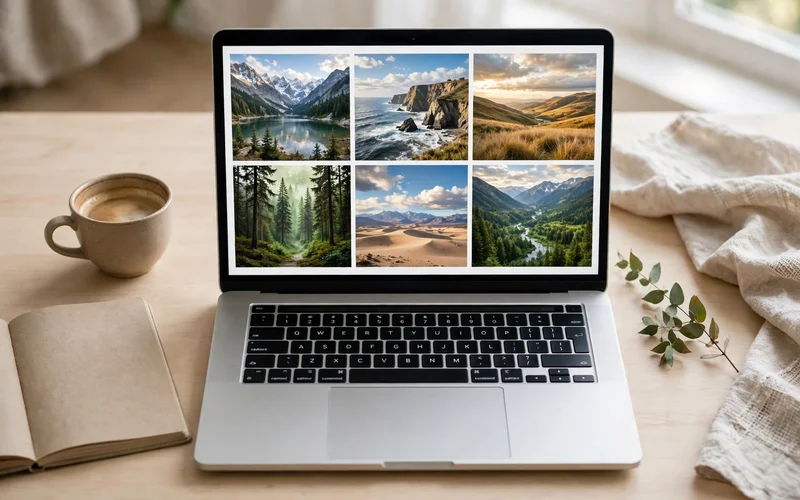
A good photo does three things. It matches the topic, it looks natural, and it is clear at the size you show it. Start with the topic, not the photo. Write down the one idea of your post in five words. Ask one question before you download. Would a reader understand this post better with this photo? If the answer is no, keep looking. The best blogging tools for images are the ones that help you search, resize, and compress fast. Some bloggers also sell Canva designs online, which is a different job from picking free photos.
Size, Compression and Alt Text: The Simple Workflow
A photo straight from a stock site is often far too big for a blog. Resize every photo before you upload it. The simple rule is to resize a blog body image to about 1,200 pixels wide, and a full-width featured image to no more than 1,920 pixels wide. Then compress it. Aim for content images under about 100 KB and featured images under about 200 KB. Save the file as WebP, which is much smaller than the older JPEG format at the same quality. Then write the alt text. Alt text is a short sentence that describes what the photo shows. Keep it under 125 characters, describe what is really in the photo, and use a keyword only if it fits naturally.
The Big Warning: Never Take Images From Search Results
This is the most important warning in this guide. A photo that appears in search results is not free. Search engines show photos from all over the web, and most of them belong to someone. The safe rule is simple. Only download photos from a site that shows you a clear license for that photo. Keep a simple record for every photo you use. Save the photo page address, the date you downloaded it, and a copy of the license line. The best Canva alternatives and other editors often include their own photo libraries, so check the license inside the tool too.
Mistakes to Avoid
- Using a photo from search results without a license.
- Picking a photo that does not match the topic.
- Uploading a huge file without resizing or compressing it.
- Skipping alt text, which hurts screen reader users.
- Using a photo with a clear logo or brand as if it were your own.
- Selling a free stock photo as a print or download, which nearly every free license forbids.
- Trusting a sponsored image on a free site.
- Using the same photo on every post.
FAQs
Is it really free to use photos from Unsplash, Pexels, and Pixabay on a blog?
Yes. All three sites allow free use on blogs, including blogs that earn money, and none of them requires attribution.
Do I need to credit the photographer?
On most free stock sites, credit is not required by the license, but it is good manners. A short line like Photo by Jane Doe on Pexels is enough.
Can I use free stock photos in posts that earn money?
Yes, in most cases. The big free licenses allow commercial use, which covers blog posts with ads, affiliate links, and sponsored content.
What size should blog images be?
Resize a body image to about 1,200 pixels wide and a full-width featured image to no more than 1,920 pixels wide. Aim for body images under about 100 KB and featured images under about 200 KB.
How do I write good alt text?
Describe what the photo actually shows in one short sentence, under 125 characters. Use a keyword only if it fits naturally. For example, a photo of a bowl of salad gets the alt text Fresh vegetable salad bowl on a wooden table.
Can I use a free stock photo as my logo?
No. Nearly every free license forbids using a photo as a trademark, logo, or business name.
Are photos from search results safe to use?
No. Photos in search results usually belong to someone else, and the search page does not give you a license. Only use photos from a site that shows a clear license for that photo. If a page has no license line, skip the photo.
What is the best free stock photo site for beginners?
Pexels is the best first pick for most beginners because it has photos and videos in one place, a fast search, and a short, clear license.






- Be Respectful
- Stay Relevant
- Stay Positive
- True Feedback
- Encourage Discussion
- Avoid Spamming
- No Fake News
- Don't Copy-Paste
- No Personal Attacks
- Be Respectful
- Stay Relevant
- Stay Positive
- True Feedback
- Encourage Discussion
- Avoid Spamming
- No Fake News
- Don't Copy-Paste
- No Personal Attacks
