How to Sell Stock Videos Online for Beginners
Published: 5 Nov 2026
How to Sell Stock Videos Online for Beginners
Do you love to shoot video? Your clips can earn money while you sleep. Stock video sites let you upload short clips once. Buyers pay to use them, and you get a share of each sale.
This guide shows you what to film, how to shoot it, where to sell it, and how to grow. No fancy studio is needed.
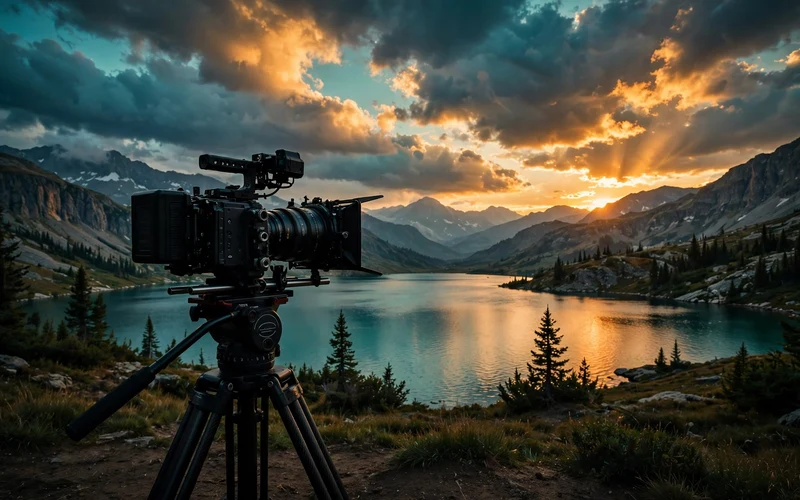
What Is Stock Video?
Stock video is a short clip that other people can buy and use. A YouTuber may need a clip of ocean waves. A business may need a clip of a busy street. Instead of filming it, they buy a ready clip.
When you sell stock video, you do not sell the clip itself. You sell a license. A license is permission to use the clip. The buyer uses it, but you still own it. The same clip can be sold again and again.
Most stock clips are 5 to 60 seconds long. They show simple things: a sunrise, rain on a window, coffee being poured. Simple and clean clips often sell best.
What Do You Need to Start?
You do not need a big budget. Start with what you have. Upgrade only when your sales grow.
You need a camera that shoots clear video. A modern phone is fine. A basic mirrorless camera is even better.
You need a tripod or a small stabilizer. Shaky video is hard to sell. A cheap tripod makes a big difference.
You need a computer or phone for simple editing. Free tools like DaVinci Resolve or CapCut work well for simple edits.
You also need patience. Stock video is a slow game. Your first clips may take weeks to sell. A big library earns more than a small one.
Step 1: Pick What to Film
Do not film random things. Film what buyers need. Buyers search for clips that solve a problem in their project.
Start with subjects you can reach easily. Your home, your street, your town, and nature near you are all useful. A clip of your local market can be just as valuable as a clip of a famous beach.
Buyers often look for nature and weather, work and business scenes, food and cooking, daily life, technology, and travel. Pick one or two themes to start. If you live near the sea, film the sea in many ways: morning light, waves, boats, and sand.
Check what is missing. Search a stock site for your idea. If you see hundreds of the same clip, pick a fresh angle. If you see very few results, that gap may be your chance.
Step 2: Shoot Clips That Sell
Good stock clips follow a few simple rules. Learn them once, and every clip gets better.
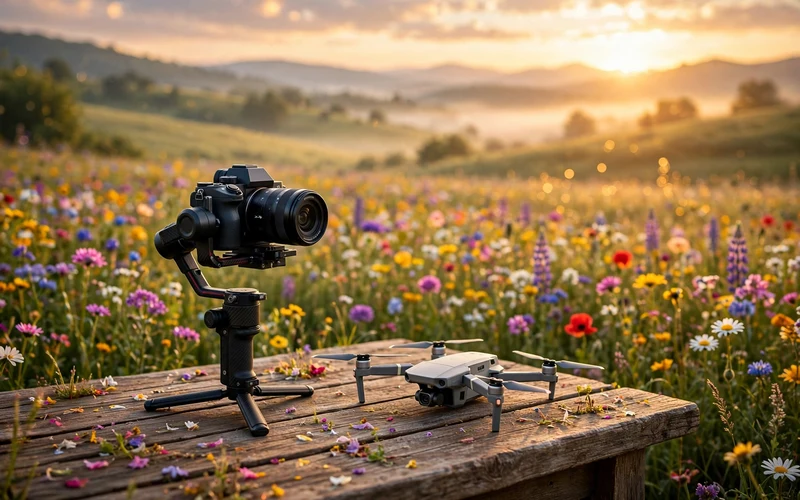
Keep the camera steady. Use a tripod for still shots. Use a slow and smooth move if the camera moves. Fast and jerky moves are hard to use in editing.
Use good light. Natural daylight is your best friend. Film in the morning or late afternoon for warm light. Avoid harsh midday sun. It creates hard shadows. If you film indoors, face a window. The light will be soft and clean.
Keep clips short and simple. Most buyers want 10 to 20 seconds. Film one idea per clip. A clip of a hand pouring coffee should show only that.
Leave space in the frame. Buyers often add text on top of a clip, so leave empty space on one side.
Shoot the same scene in two ways. Film a wide shot and a close shot, in horizontal and vertical formats.
Avoid logos and brand names. A clip with a clear brand logo is hard to sell. Stock clips are sold without audio, so film silent clips.
Check focus and exposure before you press record. A blurry clip will be rejected.
Step 3: Edit and Export the Right Way
Editing is where a good clip becomes a sellable clip. Keep it simple. Stock buyers want clean footage, not fancy effects.
First, pick your best takes. Cut the shaky start and end.
Next, fix the color and brightness. Make the clip look natural. Do not add heavy filters. A slight lift in brightness is often enough.
Export in the right format. Most stock sites accept MP4 or MOV files. Use H.264 as the codec. Export in Full HD (1920 x 1080) at least.
Keep clips between 5 and 60 seconds long.
Name your files in a simple way. Use small letters, numbers, and underscores only. For example, use sunrise_over_lake_01.mp4. Avoid spaces and special signs. Some sites reject files with strange names.
Step 4: Choose Where to Sell
You do not have to pick only one site. Most beginners start with two or three sites. That way you learn which site fits your style.
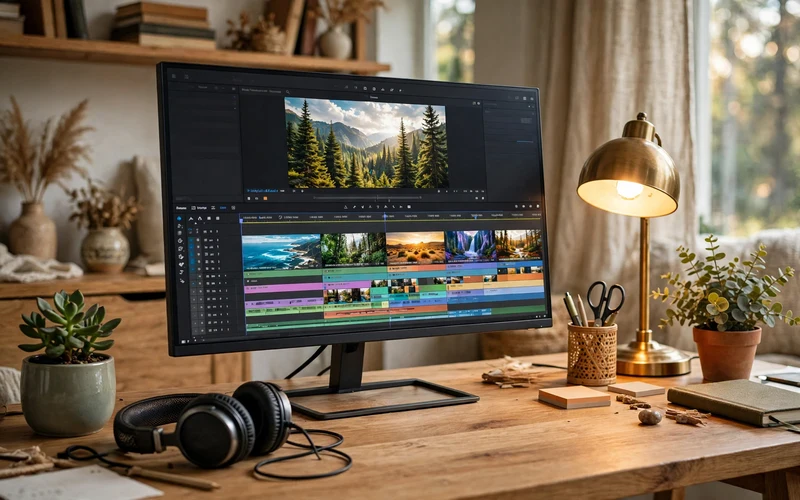
Shutterstock is one of the biggest stock sites. It has many buyers, so your clips get seen.
Adobe Stock is linked to Adobe tools like Premiere Pro. Many video editors buy clips there. It pays a fixed share of the net price.
Pond5 lets you set your own prices for clips. That is useful for rare or special footage.
Other options include iStock, Dreamstime, and Storyblocks. Read the contributor rules on each site before you upload.
Think about exclusivity. Some sites pay more if you sell only with them. But as a beginner, it is smarter to stay non-exclusive, so you can sell the same clip on several sites.
Start with one site. Learn its upload steps and rules. Once your first clips are live, add a second site.
| Platform | Best For | Royalty Share | Price Control |
|---|---|---|---|
| Shutterstock | Big buyer traffic | Share of each license | Set by the platform |
| Adobe Stock | Adobe video editors | Fixed share of net price | Set by the platform |
| Pond5 | Rare clips, flexible pricing | Higher share if exclusive | You set your prices |
| iStock | Photos and video together | Share of each license | Set by the platform |
Table note: royalty shares change over time. The figures above are illustrative only. Always check the current contributor page before you upload.
Step 5: Write Titles and Keywords That Get Found
Buyers find clips by searching. Your title and keywords decide if your clip shows up.
Write a clear title. Say what the clip shows in one short sentence. For example, write “Golden sunset over a calm mountain lake” instead of “Beautiful video”. Clear words help buyers find you.
Add keywords. These are words that describe your clip. Think about what a buyer would type in the search box. For a sunset lake clip, good keywords are sunset, lake, mountains, nature, and golden light.
Use 10 to 20 keywords per clip. Do not add words that do not match the clip. Sites treat wrong keywords as spam. Describe only what is in the clip. Honest keywords bring the right buyers.
Step 6: Upload, Review, and Handle Rejections
Uploading is simple, but review takes time.

First, add your title, keywords, and category. Pick the category that fits best. A wrong category confuses buyers.
Then submit the clip for review. A reviewer checks the quality, the legal details, and the metadata. This can take a few days.
Some clips get rejected. Do not take it personally. Every contributor gets rejections. Read the reason carefully. Common reasons are blurry footage, bad exposure, shaky camera, wrong keywords, or a visible logo.
Fix the problem if you can. Then upload the clip again. If the same problem shows up in other clips from the same shoot, fix those too before you upload them.
Keep uploading on a regular schedule. Uploading five clips a week is better than uploading fifty clips once and then stopping.
How Do Earnings Work?
You earn a share each time a buyer licenses your clip. The site keeps part of the price, and you get the rest.
Your earnings grow with your library. Ten clips may earn very little. One hundred clips earn more. One thousand clips can earn a steady side income over time. Old clips can sell years after you upload them.
Payouts work through PayPal, Payoneer, or bank transfer, based on the site. Each site has a minimum payout amount.
Do not expect fast money. Stock video is not a get-rich-quick plan. It is a slow and steady way to earn from work you already enjoy.
How to Grow Your Stock Video Business
Once your first clips are live, think about growth. Small habits make a big difference over time.
Film in batches. Pick one theme for a day and shoot many clips. A morning at the beach can give you twenty clips. Batch filming saves time and builds your library fast.
Study your sales. Look at which clips sell and which do not. If sunset clips sell well, film more sunsets. Your sales data is your best teacher.
Keep your quality high. One great clip is worth more than ten weak clips. As your skills grow, you can replace older clips with better versions.
Common Mistakes Beginners Make
Many beginners make the same mistakes. Avoid them and you will move faster.
The first mistake is filming only what you like. Film what buyers need. Your taste matters, but buyer demand pays.
The second mistake is ignoring keywords. A great clip with poor keywords is invisible. Spend five minutes on keywords for every clip.
The third mistake is giving up too early. Many new sellers quit after one month with no sales. Stock video needs time. Give your library at least six months to grow.
The fourth mistake is uploading low-quality clips. Blurry or shaky clips get rejected. Upload only clips you are proud of.
The fifth mistake is breaking the rules. Do not upload clips with logos, famous people, or private property without a release. A model release is written permission from a person in your clip, and a property release covers private property.
Conclusion
Selling stock videos online is a simple idea. Film useful clips. Edit them well. Upload them to stock sites. Help buyers find them with clear titles and keywords. Then keep growing your library.
Start small. Shoot ten good clips this week. Upload them to one site. Learn from the review process. Then shoot ten more. Each clip is a small asset that can earn for years.
You need a camera, patience, and a habit of filming. Your town, your kitchen, and your nearest park are full of clips that buyers want. Pick up your camera and start today.
Frequently Asked Questions
Do I need a professional camera to sell stock videos?
No. A modern phone can shoot good stock video if the light is bright and the camera is steady. Many stock sites accept phone footage at Full HD or higher. A dedicated camera gives you more control, but it is not required to start.
How long should a stock video clip be?
Most stock clips are between 5 and 60 seconds long. The sweet spot for beginners is 10 to 20 seconds. Keep one idea per clip. If a scene is longer, cut it into two or three short clips.
How much money can I make from stock videos?
It depends on how many clips you have, how good they are, and how often they sell. A small library may earn very little. A large library can earn a steady side income over time. There is no fixed amount.
Which stock video site is best for beginners?
Shutterstock and Adobe Stock are good starting points. Both have many buyers and clear upload rules. Pond5 is also good if you want to set your own prices. Start with one site, then add a second when you feel ready.
Can I sell the same clip on more than one site?
Yes, if you stay non-exclusive. Non-exclusive means you can sell the same clip on several sites at once. Most beginners choose this option. Some sites pay a higher share if you go exclusive, but then you cannot sell that clip anywhere else.
Do I need a model release for stock videos?
You need a model release for commercial clips that show a recognizable person. That is written permission from that person. You also need a property release for clips shot on private property. Clips without people or private property usually do not need one.
Why do stock sites reject my clips?
Common reasons are blurry footage, bad exposure, a shaky camera, wrong keywords, or a visible brand logo. The site usually tells you the reason. Read it, fix the problem, and upload again.
Can I sell videos I shot on my phone?
Yes. Most stock sites accept phone footage as long as it meets their quality rules. Shoot in the highest quality your phone offers. Use a tripod or stabilizer to keep shots steady. Avoid digital zoom, because it lowers quality.






- Be Respectful
- Stay Relevant
- Stay Positive
- True Feedback
- Encourage Discussion
- Avoid Spamming
- No Fake News
- Don't Copy-Paste
- No Personal Attacks
- Be Respectful
- Stay Relevant
- Stay Positive
- True Feedback
- Encourage Discussion
- Avoid Spamming
- No Fake News
- Don't Copy-Paste
- No Personal Attacks
