How to Start a YouTube Channel for Beginners in 2026
Published: 5 Nov 2026
Introduction
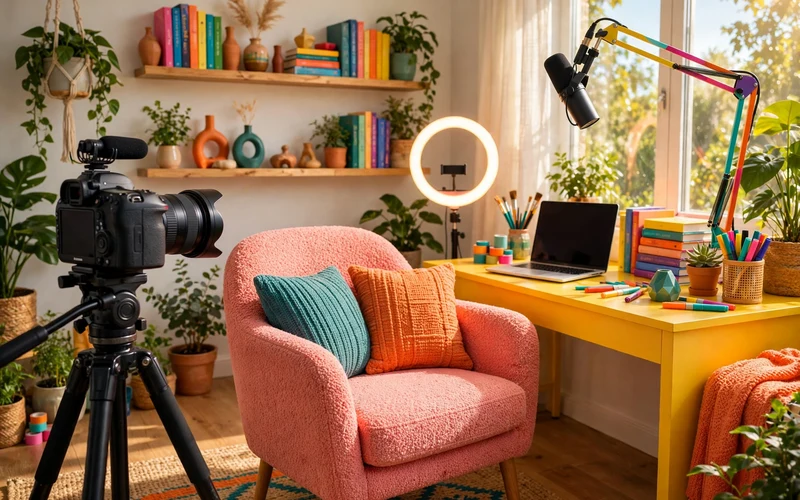
Starting a YouTube channel in 2026 can feel exciting and scary at the same time. You have ideas to share, but sitting in front of a camera can make you pause. Those worries are normal. An on-camera channel simply means viewers see you talk, teach, or share your day. You do not need perfect gear or a perfect room. You need one clear topic, a simple plan, and a way to record that you can repeat each week.
What an On-Camera Channel Really Is
An on-camera channel is built around a person, not just a topic. Viewers come for the answer, but they stay because they like how you explain it. Over time, that trust becomes the real strength of your channel. Here, your face is part of the video. Many creators speak in a calm, simple way, look at the camera, explain one idea at a time, and use real examples. Your job is to help one viewer at a time, as if you were answering a friend.
Choose a Niche You Can Talk About for Months
Your niche is the main topic of your channel. A clear niche helps viewers know what to expect, and it helps you plan videos without stress. A narrower topic is easier to sustain: instead of “cooking,” try simple meals for busy beginners. Ask three questions: can you list at least twenty video ideas? Do you enjoy talking about it, even on a tired day? Can you explain it in simple words? If yes to all three, you have a good starting point. Test it with ten videos before you judge it.
Plan Your First Ten Videos Before You Record
Planning saves time and lowers stress. Before you film anything, write a short list of your first ten video ideas. Each idea should answer one clear question: “How do I plan a small budget?” is clearer than “Money tips.” One question per video keeps your talk focused. For each video, write three short parts: the opening (what will the viewer learn?), the main points (three to five simple steps), and the ending (one short summary and one next step). When a friend asks you a question, write it down. Real questions make the best video topics.
Set Up Your YouTube Channel Step by Step
Setting up a channel is free and takes less time than most beginners expect. First, sign in to YouTube with a Google account you plan to keep. Then create your channel and choose a name that is simple, easy to spell, and close to your topic. Next, add a short description: in two or three sentences, say who the channel is for and what videos you will make. Add a simple profile picture and a clean banner image. A clear name, a short description, and one good video matter more than a perfect channel page.
Simple Equipment That Is Enough to Start
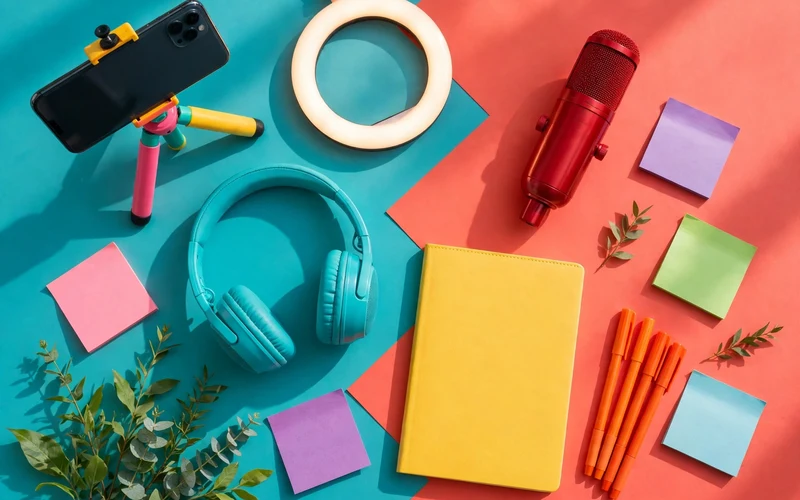
You do not need a studio to start. Most beginners start with a phone, a quiet room, and free editing software. A modern phone can record clear video and sound when the light is good and the room is quiet. Record a short test and listen with headphones. Close windows, turn off a fan, and move closer to the microphone. Light also matters: face a window in the daytime, and keep the main light in front of you.
The table below shows a simple starter setup for an on-camera channel. Prices are illustrative only, shown to help beginners think about budgeting, and actual prices vary by brand, store, and location.
| Item | What it is for | Illustrative price only |
|---|---|---|
| Smartphone or basic camera | Recording yourself on camera | $0 if you own a phone, or $150 to $400 for a basic camera |
| Small tripod or phone stand | Keeping the camera steady | $15 to $40 |
| Microphone | Clear voice without room echo | $30 to $80 |
| Ring light or desk lamp | Soft, even light on your face | $20 to $50 |
| Free editing software | Cutting mistakes and adding text | $0 |
Buy one item at a time. A microphone makes sense when your sound is weak. A tripod makes sense when your video shakes. A light makes sense when your face looks dark. Do not buy everything before your first video.
Set Up a Small Filming Space at Home
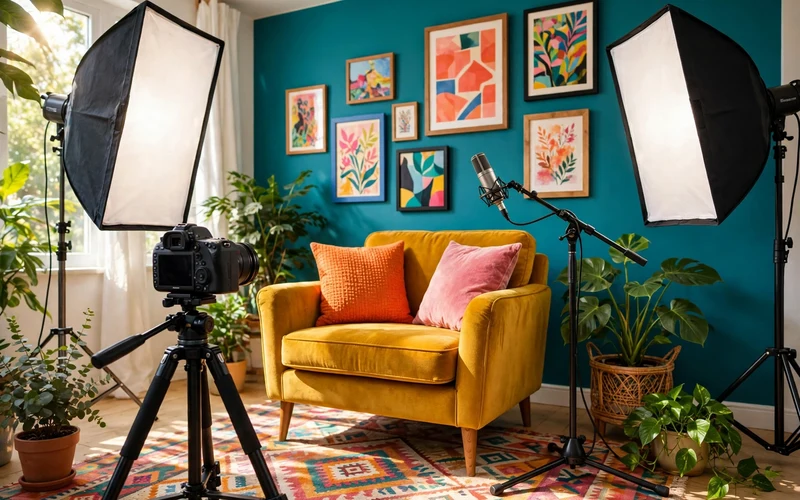
You do not need a separate room. A small corner can work well if it is quiet, tidy, and has good light. Pick a spot where you can set up your tripod and light in a few minutes. Place your camera at eye level, about an arm’s length away. If it is too low, it can look up at you in a strange way. If it is too far away, your face will look small. Look at what is behind you: remove clutter and personal papers, and check for mirrors. A ten-second test video will show problems before you spend an hour filming.
Learn to Talk to the Camera With Confidence
Camera confidence grows with practice, not with waiting. Almost every creator feels nervous in the first videos. Your voice may sound strange to you, and you may forget words. They expect a clear, honest person who helps them. Start by talking to one person, not to a crowd. Look at the lens, not at your own face on the screen, because looking at the lens feels like eye contact. Speak a little slower than usual and pause between points. If you make a mistake, pause and say the sentence again.
Film Yourself Step by Step
Filming gets easier when you follow the same steps each time. First, charge your phone or camera, clear space on your memory card, and set up your spot. Second, do a ten-second test: record, play it back, and check light, sound, and framing. Third, record in short sections instead of one long take. Film the opening, then stop. Film the first point, then stop. Short clips are easier to re-record and less stressful when you make a mistake. Breathe slowly, do not rush the ending, and save a backup copy before you edit.
Edit for Clarity, Not for Flash
Editing is where a good talk becomes a good video. Start by removing mistakes, long pauses, and repeated sentences. Then check the flow and cut any part that does not help the viewer. Keep effects simple: clean cuts, one text style, and short on-screen headings are enough. If you add music, keep it very quiet and use only music you have the right to use. Watch your edited video on a phone before you publish it, and check the first thirty seconds: does it say what the video is about?
Titles, Thumbnails, and Descriptions That Earn Trust
Your title should tell viewers exactly what the video is about. A clear title works better than a clever one. For example, “How to Plan a Simple Weekly Budget” is clearer than “You Will Not Believe This Money Trick.” Your thumbnail is the small image viewers see before they click. It should show one clear subject, often your face, plus three to five short words in large text. Keep it clean and honest. Do not use a promise your video does not keep: a misleading thumbnail may get a click, but viewers will leave fast.
Publish Your First Videos and Keep Going
Publishing your first video is a big step, so keep it simple. Upload the video, add your title, thumbnail, and description, and pick the right category. Then watch it once after upload to check sound and picture. Do not expect big numbers in the first week. Early videos often get few views, and that is normal. Your first ten videos are for learning, not for fame. One video per week is a good start.
Grow Steadily and Learn From Your Analytics
Growth on YouTube is usually slow at first. That does not mean your channel is failing. It means you are still learning what your viewers want. Look for small signs of progress, such as longer watch time, more comments, or one topic that gets more views than the rest. Use YouTube Studio to learn, not just to check views. Look at audience retention to see where viewers stop watching. If many leave in the first minute, your opening may be too slow. If they leave in the middle, that part may be too long.
Monetization, Copyright, and Realistic Expectations
Many beginners ask when a YouTube channel can earn money. The honest answer is that it depends, and it usually takes time. YouTube has eligibility rules for its Partner Program, including subscriber and watch-hour requirements. Meeting those rules does not guarantee a set income. Ad income can vary with your audience, your topic, and the time of year. Do not promise income in your videos, and do not copy income claims from other creators. If you talk about money, be clear about what is an example and what is not a promise.
Common Mistakes Beginners Should Avoid
One common mistake is covering too many topics at once. A channel that jumps from cooking to finance to travel in its first ten videos makes it hard for viewers to know what to expect. Start with one topic, learn what works, and grow slowly. Beginners often delay their first video for months while they research cameras and lights. A phone, a quiet room, and a clear idea are enough to start. A third mistake is a weak opening: if the first thirty seconds are slow or vague, viewers may leave before the useful part starts. Say the topic plainly, then start the first point. Do not give up too soon. Judge progress over months, not days.
Conclusion
Starting an on-camera YouTube channel in 2026 is not about being perfect on camera. It is about helping real people with clear, honest videos. Pick a topic you can talk about for months, plan your first ten videos, and set up a simple filming space at home. Film in short sections, edit for clarity, and publish on a steady schedule. Your first videos will not be perfect, and that is fine. Keep going, learn from your analytics, and improve one small thing at a time. If you start today with what you already have, you can build a channel that grows slowly and honestly.
Frequently Asked Questions
Do I need to show my face to start a YouTube channel?
No, but this guide is for creators who want to show their face. An on-camera channel can build trust faster because viewers see the person behind the advice. If you prefer not to show your face, screen recordings or voiceover may suit you better.
How much money do I need to start an on-camera YouTube channel?
You can start with very little if you already own a phone. A quiet room, daylight or a simple lamp, and free editing software are often enough. Spend money only when you can name a clear problem, such as weak sound.
What if I feel shy or nervous on camera?
Feeling nervous is normal, even for experienced creators. Practise by talking to one imagined viewer, use bullet points instead of a full script, and record in short sections. Confidence grows with each video, so focus on finishing and learning.
How long should my first YouTube videos be?
Aim for the length your topic needs. Many beginner tutorials work well at five to ten minutes, long enough to explain the steps without extra padding. Check your retention data to see where viewers leave, then shorten those parts.
How often should I publish as a beginner?
One video per week is a realistic starting point. It gives you time to plan, film, edit, and rest. A steady weekly video builds a habit for you and a clear expectation for viewers.
Can I earn money from an on-camera YouTube channel?
Yes, once you meet YouTube’s eligibility rules, but income is not guaranteed and it varies widely. Ad income depends on your audience, topic, and watch time. Other options, such as affiliate links or sponsorships, need a real audience and honest reviews.
What should I do about copyright and music?
Use only music, clips, and images you have the right to use, such as your own work or licensed material. Keep background music quieter than your voice, give credit where a licence asks for it, and replace any clip you are unsure about.
How long does it take to grow a YouTube channel?
There is no fixed timeline, and growth is usually gradual. Some channels find viewers in a few months, while others take a year or more of steady publishing. Judge progress over months, improve one thing at a time, and keep making videos that answer real questions.






- Be Respectful
- Stay Relevant
- Stay Positive
- True Feedback
- Encourage Discussion
- Avoid Spamming
- No Fake News
- Don't Copy-Paste
- No Personal Attacks
- Be Respectful
- Stay Relevant
- Stay Positive
- True Feedback
- Encourage Discussion
- Avoid Spamming
- No Fake News
- Don't Copy-Paste
- No Personal Attacks
