How to Sell Digital Planners Online for Beginners
Published: 5 Nov 2026
A digital planner is a planning file that a buyer opens on a tablet, phone, or computer instead of writing in a paper diary. It can include monthly calendars, weekly pages, daily pages, habit trackers, budget pages, and note pages, all linked so the buyer can tap from one page to another. You create the file once, and then you can sell copies of the same file again and again. That is what makes digital planners an attractive first digital product for many beginners.
Still, a digital planner is not a shortcut to easy money. Buyers compare products carefully, read descriptions, and expect files that open correctly and look tidy on their device. You do not need to be a professional designer, and you do not need a large audience, to make a useful first planner. You need a clear idea, a simple design, honest instructions, and a shop listing that explains exactly what the buyer will receive.
What Is a Digital Planner?
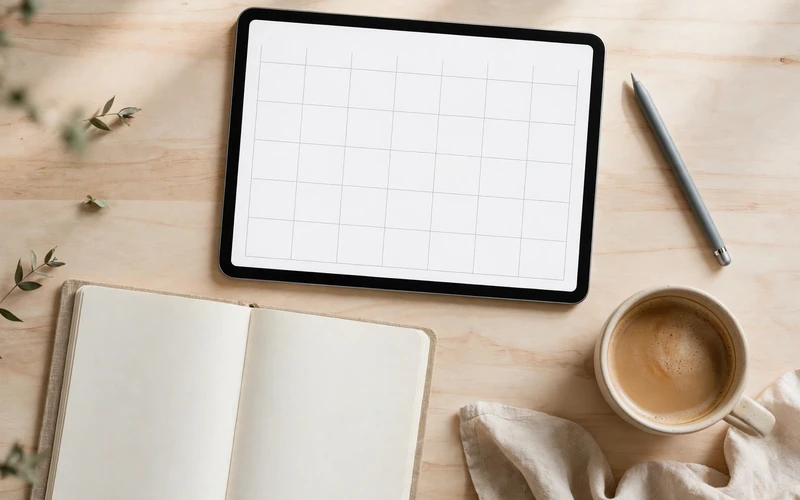
A digital planner is usually sold as a PDF file with clickable tabs and links. When the buyer opens it in a note-taking app on a tablet, they can write on it with a stylus and move between months and weeks. Dated planners are made for one specific year, while undated planners let the buyer fill in the dates themselves. Undated planners are often easier for a beginner to sell because they do not become out of date at the end of the year.
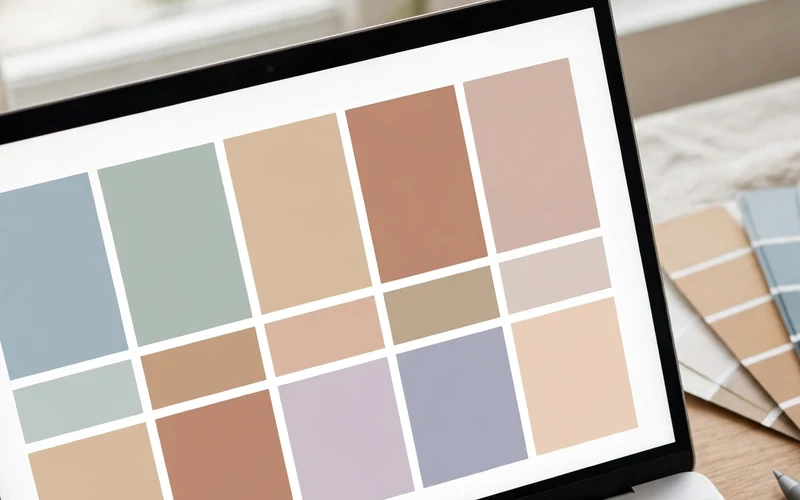
A good digital planner is useful before it is beautiful. The layout should be easy to understand at a glance, dates and boxes should line up neatly, and tabs should go where the buyer expects them to go. Colour can help, but too many colours, fonts, and decorations can make a planner harder to use. A calm design, plenty of white space, and one or two colours that work well together usually serve a beginner best.
Choose a Planner Type and a Clear Audience
Many beginners fail at the first step because they try to make a planner for everyone. A planner for everyone often ends up helping no one in particular. It is much better to choose one type of planner and one kind of buyer, and then design every page for that buyer.
Start with a problem you understand. A student may want a study planner with assignment pages and revision checklists. A busy parent may want a weekly family planner with meal planning and to-do lists. A freelancer may want a work planner with project pages. A person building a habit may want a daily planner with habit trackers. Each buyer wants different pages, even though they all want to feel more organised. Before you design anything, write your choice in one sentence, such as: “A simple undated weekly planner for students who want to track assignments, revision, and daily tasks.” If a page does not serve that buyer, leave it out of the first version.
Plan the Pages Before You Design
Plan the pages in a simple list before you open any design tool. This stops you from designing pages at random and then realising that important pages are missing or that the planner feels out of order. A simple starter planner might include a cover page, a contents page, monthly pages, weekly pages, daily pages, a habit tracker, a to-do list, and a notes page. You do not need all of these, and you should not copy a long list from another seller without thinking about whether each page suits your buyer. For each page, ask: “What will the buyer write here, and when will they use it?”
Also think about navigation. Most digital planners use tabs along the side or top of the page, and links that take the buyer to a month, a week, or a section. Keep the tabs in the same place on every page, use short labels, and make sure every link goes to the right page. A planner with broken or confusing links feels unfinished, even if the design looks good. Decide early whether your planner will be dated or undated, and whether it will be portrait or landscape.
Design Your First Planner Step by Step
You do not need expensive software to make a first digital planner. Many beginners use a design tool such as Canva, a PDF tool, or a tablet note-taking app to create pages, and then link them into a single PDF. The exact tool matters less than the result: clean pages, readable text, and links that work. Choose a tool you already know, or one you are willing to learn patiently, and stick with it for your first product.
Start with a simple template for one page, then reuse it. Design one weekly page carefully, check the spacing, fonts, and colours, and then copy that layout for the other weeks. This keeps the planner consistent and saves time. Use one main font for headings and one simple font for body text, and avoid tiny text, because buyers need room to write with a stylus. Choose two or three calm colours, use them consistently, and leave enough empty space for writing. When the pages are ready, add the links and test each tab one by one.
Test Your Planner Before You Sell It
Testing separates a careful beginner from a rushed one. Before you list your planner, open the finished file on the kind of device your buyer is most likely to use. If you can, test it on a tablet with a stylus, because that is how many buyers will use it. Check that the pages look clear, the writing space is large enough, and the links take you to the right places.
It is also useful to ask one or two people to try the planner and tell you honestly what confused them. Even one careful tester can find a broken link, a page that is too crowded, or a heading that is unclear. Ask them to find a weekly page, move to a monthly page, and return to the contents page, and watch where they hesitate. Fix the problems you find, test the file again, and check the file name and instructions. The buyer should receive a clear file name, simple import instructions, and a short note explaining that the planner is a digital download and that no physical product will be posted.
Set a Fair Price Without Guessing
Pricing is often the hardest part for beginners, because there is no single correct price for a digital planner. Prices vary with the number of pages, the quality of the design, and the platform where you sell. Instead of copying another seller’s price without thinking, look at a small number of similar planners and note what they include. A short, simple planner will usually sit at a lower price than a large planner with many sections and extras. The table below shows example price ranges only. These are illustrative examples to help you think about pricing, not promises about what you will earn or what buyers will pay.
| Planner type | Example pages | Illustrative price range only |
|---|---|---|
| Simple undated weekly planner | Cover, weekly pages, to-do lists, notes | $5 to $10 |
| Daily and weekly planner bundle | Daily pages, weekly pages, habit tracker, notes | $8 to $15 |
| Large all-in-one planner | Monthly, weekly, daily, budget, habit, and project pages | $12 to $25 |
List Your Planner on Etsy and Other Platforms
Etsy is a popular place to sell digital planners because many buyers already search there for planners, templates, and printable products. You can also sell through your own website or another marketplace, but Etsy is often the simplest starting point for a beginner. Whichever platform you choose, read its rules for digital downloads before you list anything, and follow them carefully.
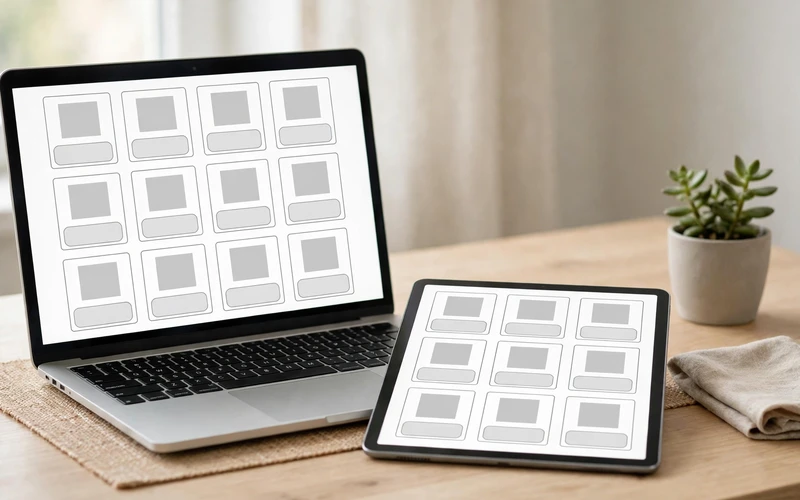
Your listing title should say clearly what the product is and who it is for. A title such as “Undated Weekly Digital Planner for Students” is clearer than a vague title full of keywords. Your description should explain what is included, how many pages the planner has, whether it is dated or undated, which apps it works with, and that the product is a digital download with no physical item shipped. Preview images matter too: show the cover, a monthly page, a weekly page, and a daily page, using clean images that show the real design and no features that are not included.
Promote Your Planner Honestly
Promotion does not have to mean loud claims or constant selling. The most useful promotion for a beginner is clear, helpful content that shows how the planner works and who it can help. Share a planning tip or a clean preview of one page on one platform where your buyer spends time, and avoid income claims or promises about results.
Handle Customers and Updates
Even a well-tested planner can lead to questions. A buyer may not know how to import the file, may open it in the wrong app, or may expect a printed product. Include a short guide with your download that explains how to import the file, which apps are suitable, and how to return to the contents page. If a buyer reports a broken link, check the file, fix it, and send an updated version.
Common Beginner Mistakes to Avoid
One common mistake is making the first planner too large. A planner with hundreds of pages sounds impressive, but it is hard to design well, hard to test, and hard to explain. Start small, finish one good planner, and learn from the feedback you receive. A second planner will always be easier than the first.
Another mistake is copying another seller’s design, wording, or preview images. Even if you change a few colours, copying can damage your reputation and may break platform rules. Use other planners only as inspiration for what kinds of pages buyers like, and then create your own layout, wording, and design from scratch. Beginners also sometimes forget the buyer after the sale: if the file is hard to import, instructions are missing, or questions go unanswered, buyers may leave poor reviews even when the design is good. Finally, do not expect fast results. A new shop may take time to get its first sale, and that is normal.
Conclusion
Selling digital planners online is a practical beginner project because you can start with one simple product, learn the process step by step, and improve with each version. Choose one audience, plan the pages carefully, design a clean and easy-to-use planner, test it properly, price it fairly, and list it with an honest description. Then promote it by helping people understand how it works, rather than by making promises about results. Start with one focused planner, listen to buyer feedback, and build your shop one useful product at a time.
Frequently Asked Questions
Do I need design experience to sell digital planners?
No, you do not need professional design experience. A clean, simple planner with readable text, consistent colours, and working links is enough to start. Simple pages are easier to use and easier to test than complicated ones.
What file format should I sell my digital planner in?
Most digital planners are sold as PDF files with clickable links, because PDFs work in many note-taking apps and keep the layout consistent. Test the final PDF on a tablet or similar device, and include simple import instructions with the download.
Should my first planner be dated or undated?
An undated planner is often a good first choice because it does not expire at the end of a year and the buyer can start using it at any time. A dated planner can feel more ready to use, but it needs to be updated for each new year.
Which apps can buyers use with a digital planner?
Buyers commonly use tablet note-taking apps that support PDF annotation and hyperlinks. Your listing should name suitable app types and avoid claiming it works perfectly in every app.
How much should I charge for my first digital planner?
There is no single correct price. Look at similar planners, consider the number of pages and the quality of the design, and remember platform fees. The example ranges in this guide are illustrative only. Start with a fair, modest price and adjust later based on feedback and sales.
Do I need a tablet to create a digital planner?
No, you do not need a tablet to create one, although a tablet is very useful for testing how the planner feels when someone writes on it. Many beginners design on a computer and then test the finished file on a tablet if they can borrow or access one.
Can I sell the same planner on more than one platform?
In many cases, yes, but check each platform’s rules first. Keep your listings consistent and update all versions when you fix a problem.
How long does it take to make a first digital planner?
It depends on the size of the planner and the tool you use. A simple planner may take a few focused sessions to plan, design, link, and test, so allow extra time for testing rather than rushing the listing.






- Be Respectful
- Stay Relevant
- Stay Positive
- True Feedback
- Encourage Discussion
- Avoid Spamming
- No Fake News
- Don't Copy-Paste
- No Personal Attacks
- Be Respectful
- Stay Relevant
- Stay Positive
- True Feedback
- Encourage Discussion
- Avoid Spamming
- No Fake News
- Don't Copy-Paste
- No Personal Attacks
