How to Make Money with AI Art for Beginners
Published: 6 Nov 2026
You type a few words. A tool turns them into a picture. That picture can become a poster, a mug, or a book cover. And someone may pay for it.
AI art is art made with artificial intelligence tools. You write a text prompt, and the tool creates an image from your words. You do not need to draw by hand. You need good taste, clear prompts, and patience.
This guide shows you the steps: what AI art is, which tools to use, how to create art that sells, where to sell it, how to price it, and what rules to follow. You will also get a 30-day plan and a 90-day plan.
What Is AI Art?
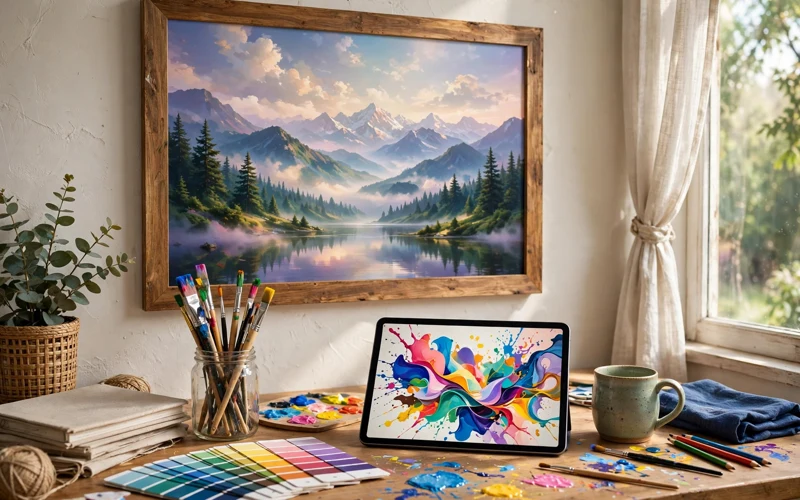
AI art is an image made by an AI image tool. You describe what you want in words, such as “a calm lake at sunrise, soft pink sky, pine trees.” The tool creates that scene in seconds.
The tools learn from many images and mix styles, colours, and shapes to make something new. Your job is to guide them. A clear prompt gives a better result.
You can make wall prints, pet portraits, fantasy scenes, flowers, and book covers. You can also make designs for mugs, shirts, stickers, and phone cases. The key is art that fits a clear buyer.
How Does AI Art Work?
First, you pick a tool. Popular tools include Midjourney, DALL-E, Adobe Firefly, Leonardo AI, and Stable Diffusion. Some are free to try. Some need a paid plan. Midjourney is known for rich, detailed art. DALL-E is known for simple, clear images.
Second, you write a prompt. A good prompt has four parts: subject, style, colours, and mood. For example: “a cute fox in a forest, watercolour style, soft green and orange colours.” Start short.
Third, you review the result. The tool shows a few versions. Pick the best one. If it has errors, such as odd hands or strange text, try again. Change one word.
Fourth, you improve the image. Upscale it. Fix small errors in a photo editor. Remove the background for a sticker or a mug.
6 Ways to Make Money with AI Art
1. Sell Digital Downloads on Etsy
Digital downloads are files buyers print at home: wall art, planners, and posters. The buyer pays once and downloads the file. You ship nothing. This costs little to start.
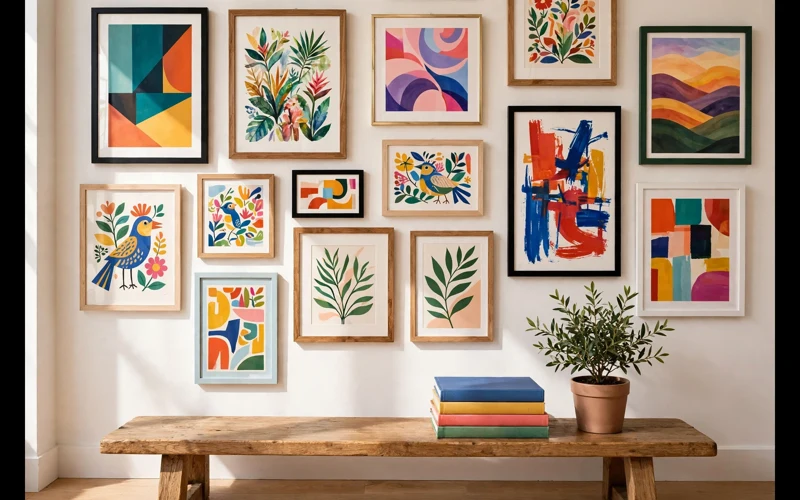
Make a set in one style, such as ten botanical prints in soft green tones. Buyers like sets and art that fits a room. Offer a few sizes in one listing.
2. Sell Print on Demand Products
Print on demand means a company prints your art on a product when a buyer orders it. You hold no stock. You keep the margin above the cost.
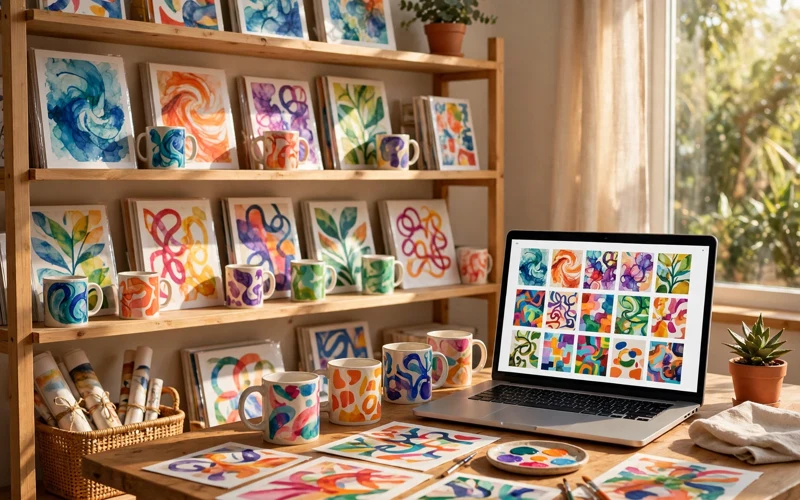
Sell posters, mugs, shirts, stickers, and phone cases. Use a service such as Printful, Printify, or Redbubble. Upload your art, pick the products, and set your price. Link the shop to Etsy or your own store.
3. Sell Custom Art and Commissions
Some buyers want art made just for them: a pet portrait, a family picture, or a logo. Offer this on Fiverr or Upwork, or in your own shop.
Ask for clear details first: style, colours, size, and how many changes are included. Send a small preview, ask for feedback, then send the final file.
4. Sell Prompt Packs and Templates
A prompt pack is a set of tested prompts that help buyers make art in a style they like. A template is a ready-made design buyers can change.
Make a pack with a clear theme, such as “20 prompts for cosy nursery art.” Test every prompt yourself and show examples. Sell it on Gumroad, Payhip, or Etsy.
5. Sell Stock Images
Stock sites let buyers download images for their projects. Adobe Stock, Shutterstock, and iStock accept AI images if you label them as AI-made. You earn a small amount per download. It grows as your library grows.
Make images businesses need: office scenes, food, travel, and simple backgrounds. Avoid brands, real people, and famous characters.
6. Offer AI Art Services to Small Businesses
Small businesses need images for social media, ads, and websites. Make product photos, social media posts, and blog images. Charge per image or per month.
This needs more skill, but it pays better than a single print. Start with one or two local businesses. Show a few samples and deliver on time.
How to Make Money with AI Art: 7 Simple Steps
Step 1: Pick One Buyer, Not One Style
Before you make anything, pick a buyer: a real person with a clear need, such as a new parent who wants calm nursery art.
A clear buyer helps you make better art. You will know the colours, the size, and the price. A mixed shop rarely sells well. One buyer, one style, one clear promise.
Step 2: Pick One Tool and Learn It Well
Do not try five tools at once. Pick one. Learn its free plan first. Make 20 to 30 images. Most tools struggle with hands and words, so avoid close-up hands and long text.
Check the tool’s licence before you sell. Some free plans allow personal use only. You need a plan that allows commercial use.
Step 3: Build One Collection of 20 to 40 Images
A collection is a set of images in one style, such as 30 botanical prints in the same soft colours. It looks professional and helps buyers trust your shop.
Keep the same palette, mood, and quality. Keep only your best work. A shop with 20 strong images beats a shop with 100 weak images.
Step 4: Fix Quality Before You Sell
Quality matters more than quantity. Check every image. Look for odd hands, strange faces, broken text, and blurry parts.
For print, aim for 300 DPI. A small image will look blurry on a large poster. For a mug or a shirt, use a transparent PNG. For a wall print, use a high-resolution JPEG or PDF.
Step 5: Pick One Sales Channel First
Pick one channel. Etsy suits digital downloads and print on demand. Redbubble and Society6 suit print on demand. Gumroad and Payhip suit prompt packs.
Learn the rules of your channel. Etsy asks sellers to say when AI was used and to name their print partner. Fees change, so read the current fee page before you set prices.
Step 6: Write Listings Buyers Can Trust
A good listing has a clear title, image, and description. Use simple words buyers search for. Do not stuff keywords or promise results you cannot prove.
Show the art in a real room and the sizes you offer. Say what the buyer gets and that the art is AI-made. Honest listings build trust.
Step 7: Price Your Art with Care
Pricing is hard at first. Look at similar listings. Do not copy the cheapest price. Start with a fair price, then test it.
The table below shows example prices. These figures are illustrative only, not fixed prices. Check the fees on your sales channel first.
| Product | What the buyer gets | Example price (illustrative only) |
|---|---|---|
| Digital wall art print | One high-resolution file to print at home | $5–$15 |
| Set of 5 digital prints | Five matching files in one style | $12–$25 |
| Print on demand poster | Printed poster shipped by the print service | $20–$40 |
| Custom pet portrait | One custom digital image, made to order | $25–$60 |
| Prompt pack | 20 tested prompts with example images | $9–$19 |
Remember the fees. Etsy charges a listing fee and a transaction fee. A print service charges for printing and shipping. Your price must cover them and leave a margin.
Copyright and Legal Rules You Must Know
AI art has rules that change. Read the current rules for your tool and your sales channel before you sell. This is a simple guide, not legal advice.
First, check the tool’s licence. Some tools allow commercial use only on paid plans. Use a plan that clearly allows selling.
Second, do not copy real people, brands, or famous characters. Do not copy a living artist’s style by name. Do not use trademarked logos. Make original art in your own style.
Third, say when AI was used. Etsy and stock sites ask for this. Do not claim you drew the art by hand if you did not.
Fourth, copyright law for AI art is still changing. In some places, purely AI-made images with little human input may not get full copyright protection. If you plan a large business, ask a local expert. Do not rely on a blog post for legal advice.
Your 30-Day Plan
Here is a plan for your first month. It is not a promise of income. Days 1 to 7: Pick one buyer and one tool. Make 20 test images. Keep the best five. Days 8 to 14: Build your first collection of 20 images in one style. Fix quality issues. Days 15 to 21: Open one shop. List 10 products. Show the art in a real room. Days 22 to 30: Share your art on Pinterest and Instagram. Ask friends for honest feedback.
Your 90-Day Plan
Month one is for learning and your first collection. Month two is for your shop: list 20 to 30 products, share your art twice a week, and fix your worst listings. Month three is for growth. Add a second product type, such as mugs or prompt packs. Ask buyers for reviews. After 90 days, review your work. Keep what works.
Common Mistakes to Avoid
Many beginners make the same mistakes.
- Uploading random images with no clear buyer: Pick one buyer and one style.
- Selling low-quality images: Check every image.
- Copying famous art or brands: Make original art.
- Opening five shops at once: Start with one channel.
- Pricing too low.
- Giving up too soon: Most shops need months to get a first sale.
Conclusion
You can make money with AI art as a beginner. You do not need to draw by hand. You need a clear buyer, one good tool, one strong collection, and honest listings. Pick one sales channel. Price your art with care. Follow the rules for licences and disclosure. Do not expect fast money. Most sellers need months to learn what buyers want.
Start small. Make 20 images this week. Pick your best five. List them in one shop. Share them with real people. Then make the next 20. Small steps, done every week, build a real skill and a real shop. Start now.
FAQs
Is it legal to sell AI art?
In most cases, yes, if your tool’s licence allows commercial use. Use a paid plan that clearly allows selling. Avoid real people, brands, and famous characters. Say when AI was used. Rules change, so read the current policy pages.
Do I need to be an artist to make money with AI art?
No. You need good taste, clear prompts, and patience. You also need to check quality and fix errors. A good eye for colour and style matters more than drawing skill.
Which AI art tool is best for beginners?
It depends on your goal. Midjourney is known for rich, detailed art. DALL-E is known for simple, clear images. Adobe Firefly works well with Adobe tools. Try one free plan first. Learn it well before you pay.
How much money can a beginner make with AI art?
There is no fixed amount. Most beginners earn little at first. Sales depend on your art, your niche, your listings, and your effort. Do not trust claims of fast or guaranteed income.
Can I sell AI art on Etsy?
Yes. You must follow Etsy’s rules. Say when AI was used. Name your print partner for print on demand orders. Check the current Etsy policy and fee pages before you open a shop.
What sells best: digital downloads or print on demand?
Both can work. Digital downloads suit sellers who want low effort and no shipping. Print on demand suits sellers who want physical products without stock. Start with one method. Add the second when you see what buyers want.
Do I need a paid AI tool to sell AI art?
In most cases, yes. Many free plans allow personal use only. You need a plan that allows commercial use. If the terms are not clear, do not sell that art.
How do I avoid copyright problems with AI art?
Make original art. Do not copy real people, brands, famous characters, or a living artist’s style by name. Check your tool’s licence. Say when AI was used. If you plan a large business, ask a local expert.




- Be Respectful
- Stay Relevant
- Stay Positive
- True Feedback
- Encourage Discussion
- Avoid Spamming
- No Fake News
- Don't Copy-Paste
- No Personal Attacks
- Be Respectful
- Stay Relevant
- Stay Positive
- True Feedback
- Encourage Discussion
- Avoid Spamming
- No Fake News
- Don't Copy-Paste
- No Personal Attacks
